
Blocks are the basic geometric shapes that you use to assemble a DesignBuilder model. The idea of blocks is to provide fairly simple objects that you can easily move around in 3-D space in a similar fashion to that of building a physical model using bricks from a construction set. Blocks are created by drawing 2-D perimeters on horizontal or vertical planes and then extruding these perimeters to form 3-D shapes:
Blocks are versatile objects and once created can easily be modified by moving their surfaces, by stretching them and even by cutting them using arbitrary planes. Typically, you might use a block to represent an entire building storey:
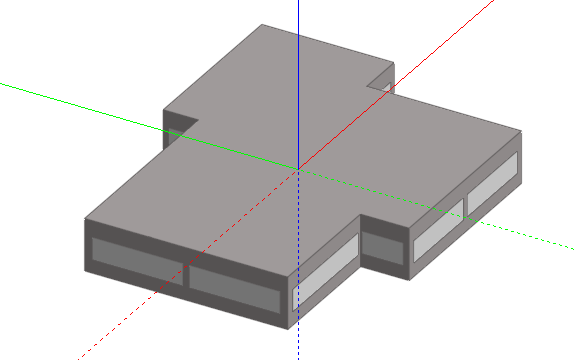
Or a particular building design might lend itself to an obvious division into blocks:

You can model an entire building as a single block:

And then cut the block into storeys:

Once the overall geometry of a model has been established with blocks, you can go 'into' a block and sub-divide it into a number of rooms or zones using partitions:

If you sub-divide a block internally using partitions, you can still modify the block by stretching, cutting, rotating, etc. and where possible the internal geometry will be kept.